FREE SPREADSHEET
Egypt Only
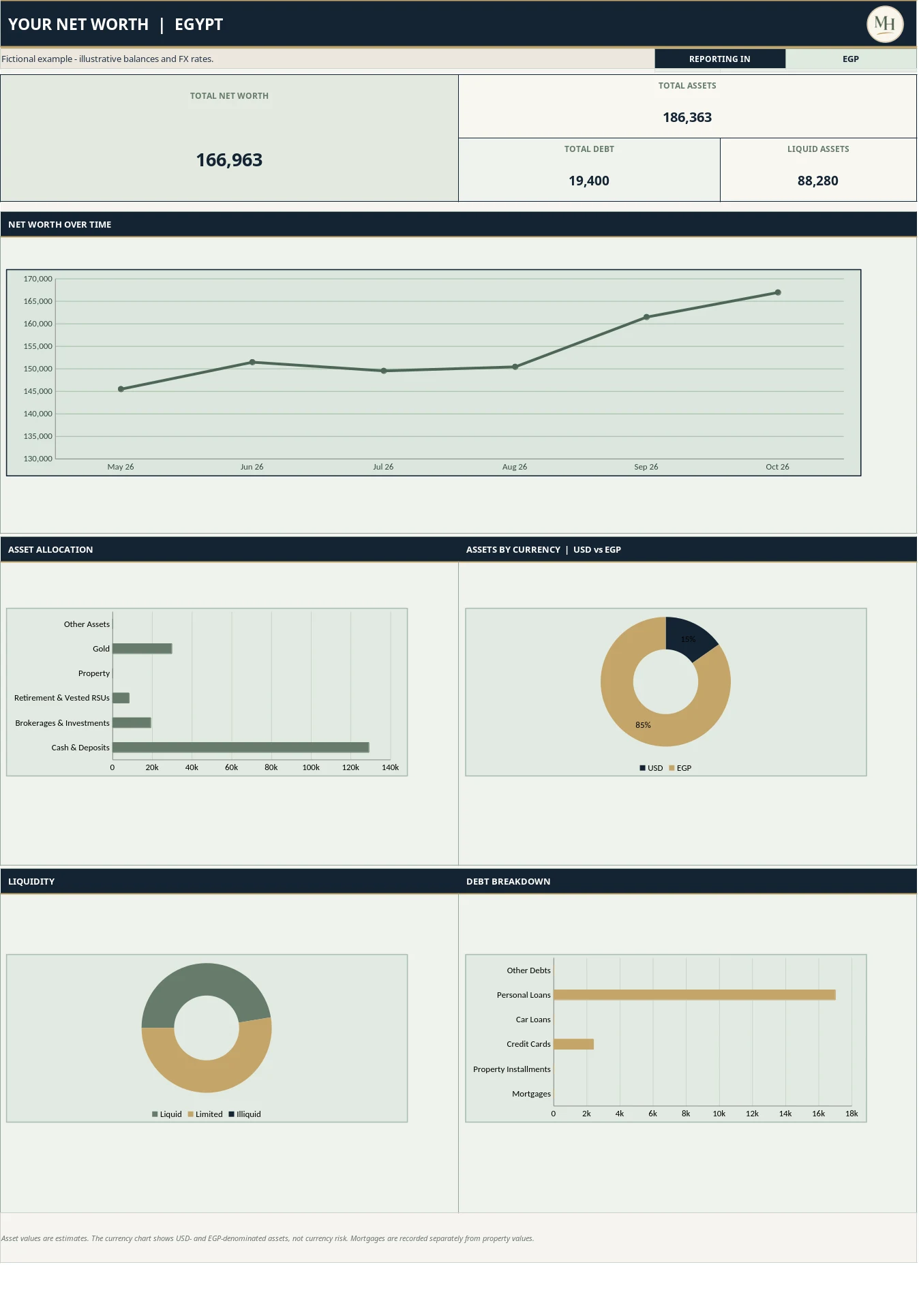
Account categories for money and assets in Egypt.

YOUR MONEY, IN ONE VIEW
See what you own, what you owe, and how your wealth changes over time.
Get the Free Tracker ↓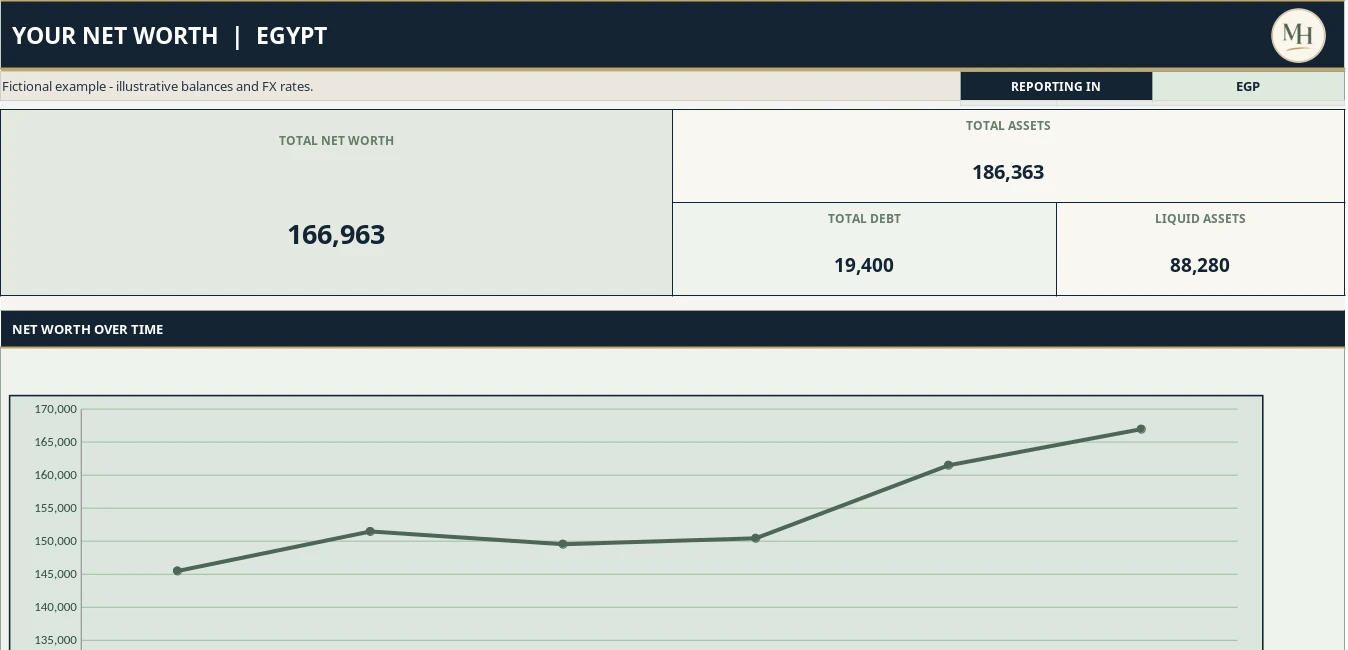
What you own − what you owe.
Track assets and debt together to see your financial progress beyond your monthly budget.
Choose by your account types. Both versions support USD and EGP.
FREE SPREADSHEET
Account categories for money and assets in Egypt.
FREE SPREADSHEET
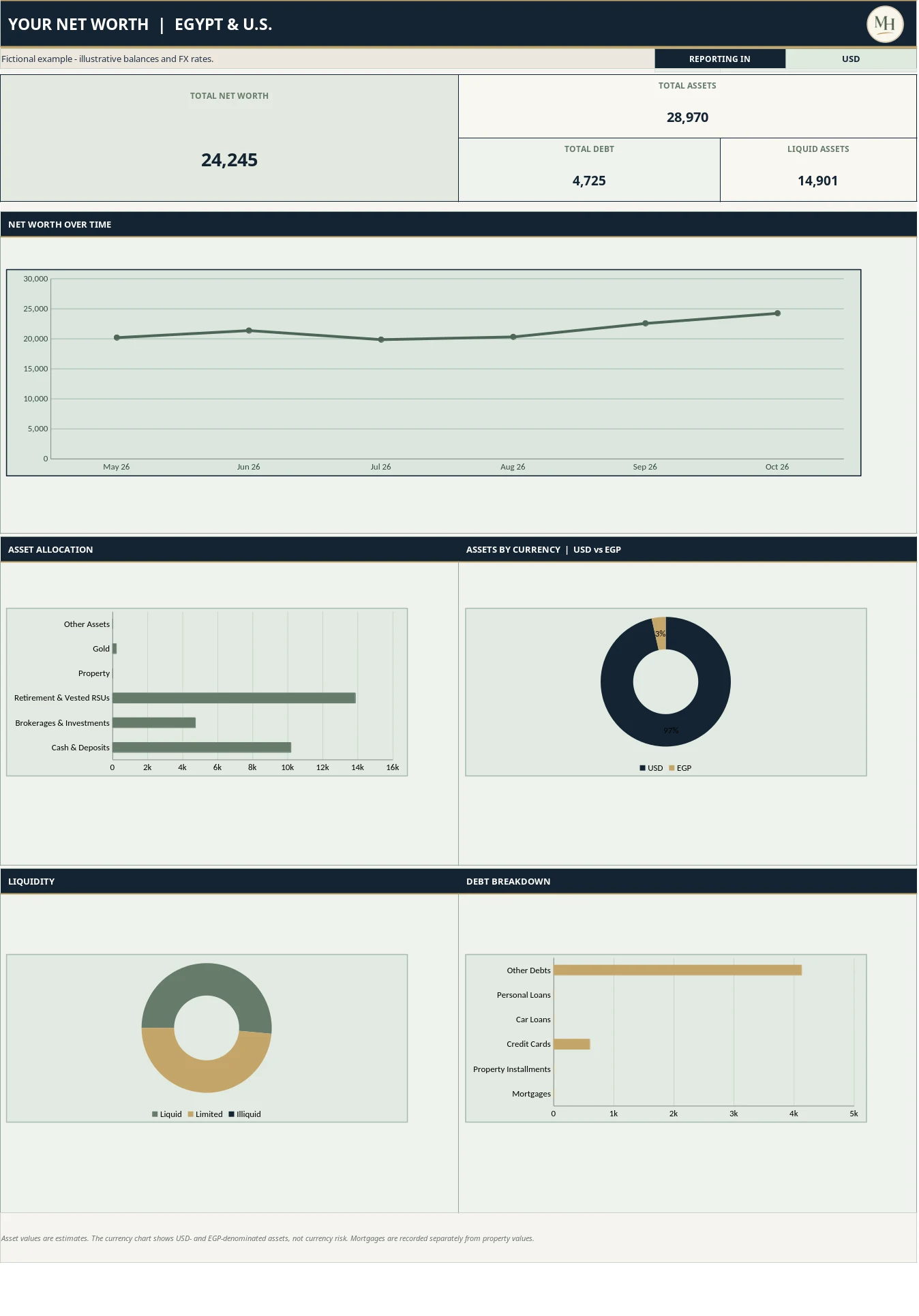
Also includes U.S. brokerage and retirement accounts.
Download Excel, or save your own Google Sheets copy. No balance entry or signup is required on this website.
Net worth over time, asset allocation, and USD/EGP breakdown.
The value of what you own minus what you owe. It is a snapshot, not your income or a forecast.
Yes, if you choose. Enter your share of its estimated resale value and record the remaining mortgage separately. Avoid counting home equity and subtracting the mortgage again.
Your entered debts exceed your assets. The tracker supports negative values so you can follow your own progress.
Once a month. Copy your last month, update every used account, and enter zero for closed accounts. Incomplete months stay out of the dashboard.
Yes. Choose each account’s currency and enter that month’s EGP per USD rate. The dashboard converts to your selected reporting currency.
Yes. Use Copy to My Google Drive and sign in to save your own editable copy. Public templates and examples are view-only.
An optional estimate, separate from standard net worth. At 80%, an asset worth 200,000 counts as 160,000 in the adjusted view. Blank means 100% for owned assets. Unvested RSUs never count in standard net worth and require an explicit percentage in the optional view. Debts are deducted in full.
This page does not collect balances. Excel files stay where you save them. Google Sheets copies follow your Google account’s sharing settings. Keep your filled copy private. Visit and download analytics may apply.